
Provides instructions on how to use the ps2700 rumble pad, including installation instructions for pc, ps3, and ps2.
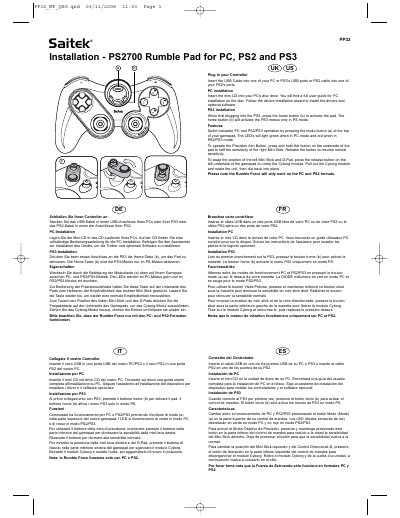
The document serves as a quick start guide for the Saitek PP32 Rumble Pad. It details how to install drivers on a PC using an included CD and explains specific activation steps required when connecting the device to a PlayStation 3 console.
Key features described include switching between PC and PS2/PS3 modes via a mode button, adjusting right stick sensitivity for precision aiming by holding a button on the underside, and swapping the position of the left Mini Stick and D-Pad using a release mechanism.
Press the home button to activate the pad, which will enable the PS3 menus only in PS mode.
Press and hold the Precision Aim Button on the underside of the pad to half the sensitivity.
The Rumble Force will only work on the PC and PS2 formats.