
Key facts
- Brand
- Saitek
- Model
- M80X
- Documents
- 2
- Languages
- EN
- Last added
- 2023-10-16
Start here
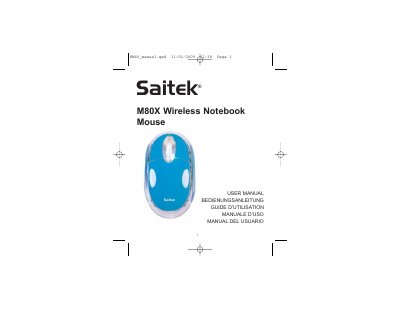
Saitek M80X Wireless Notebook Mouse User Manual
This manual provides instructions for the Saitek M80X Wireless Notebook Mouse. It details how to power the device on and off, including battery replacement and low-battery indicators. The guide explains the automatic pairing process between the mouse and its wireless receiver, as well as how to re-establish the connection if it is lost.
Read onlineAll Saitek M80X documents by type
Day-to-day operation, settings and troubleshooting. Start here if the product is already set up.
Questions answered in these manuals
How do I turn the mouse on and off?
The mouse turns on automatically when new batteries are inserted. To turn it off, press and hold the power button on the underside for 3-5 seconds.
How long must you hold the power button to turn off the mouse?
You need to press and hold the power button on the underside for 3-5 seconds.
How do I turn the mouse off to save battery?
Press the power button on the underside and hold it for 3 to 5 seconds.
What does a flashing blue LED indicate?
It indicates that the batteries are running down and need to be replaced.