
This is a user manual for Saitek V.3 mouse, which introduces the system compatibility, driver installation and usage of the mouse.
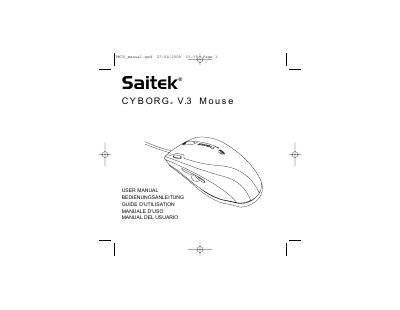
This manual covers the installation of drivers and programming software for the Saitek Cyborg V.3 mouse on Windows XP, XP64, and Vista systems. It details the software setup process, including the installation of the SST Programming Software and optional HID-compliant devices like the Saitek Magic Bus.
| Resolution | 2400 dpi |
|---|---|
| Operating System | Windows XP/XP64/Vista |
| Warranty Period | 2 years |
The mouse supports PC running Windows XP, XP64, and Vista.
Insert the Installation CD, run Setup.exe, and select Install the SST Programming Software at the Software Setup screen.
In the default profile, the front top button acts as a mode selector to switch between three modes of the same profile.