
This is a flight simulator accessory produced by Saitek, named Pro Flight Switch Panel. The accessory features realistic switches and controls that interact in real time with Microsoft Flight Simulator X to make your flying experiences more realistic.
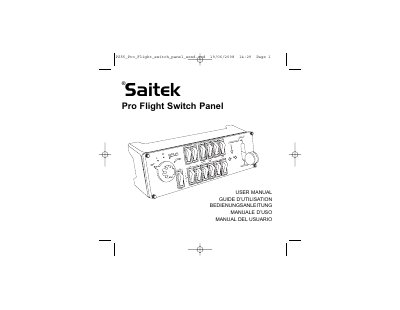
The Saitek Pro Flight Switch Panel is a flight control panel featuring realistic switches that interact in real-time with Microsoft Flight Simulator X to enhance the flying experience. The device connects via USB to a PC running Windows XP, XP64, or Vista.
Installation involves fixing the panel to a desk using included velcro strips or mounting it on top of an existing Saitek Pro Flight Yoke System using provided screws. Users must install the accompanying software from the CD-ROM before testing the controls.
| Compatible Operating Systems | Windows XP, XP64 and Vista |
|---|---|
| Connection Interface | USB |
| Warranty Period | 2 years from date of purchase |
You can fix the panel to your desk using the velcro strips provided.
Yes, you can mount it on top of the yoke unit using the screws provided.
Unplug the USB cable and plug it back in to reset the connection.