
This document is the user manual of Saitek Pro Bridge 311
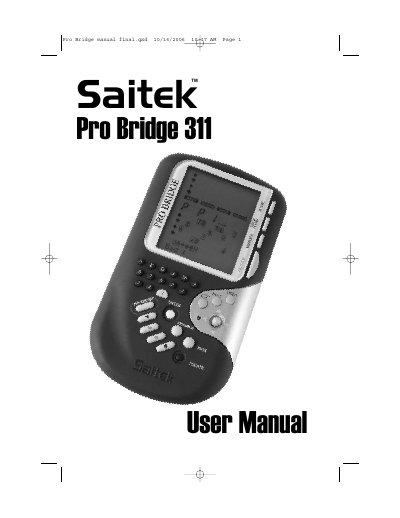
The Saitek Pro Bridge 311 is an electronic device designed to simulate a game of Bridge. The manual guides users through the initial setup, including installing four "AAA" alkaline batteries and using the ACL reset function if the unit locks up due to static discharge. It explains how to power on the device to access the Main Menu, which offers options for Play, Game Level, Sound, and Backlight intensity.
The document details the process of dealing hands, either randomly or from a numbered list, and explains the bidding and playing mechanics. Users can select suits and values using specific keys, pass turns, and utilize features like AutoPlay for the computer to take over or request hints. The manual also covers reviewing game history, checking scores, and editing deals.
| Power Source | four "AAA"(AM4/R03) batteries |
|---|---|
| Reset Method | press ACL hole for at least one full second |
Use a paper clip or sharp object to press down into the hole marked ACL in the base for at least one full second.
The device requires four "AAA"(AM4/R03) alkaline batteries.