
Saitek Aviator Joystick User Manual

This is a user manual that introduces how to install and use Saitek Aviator Joystick.
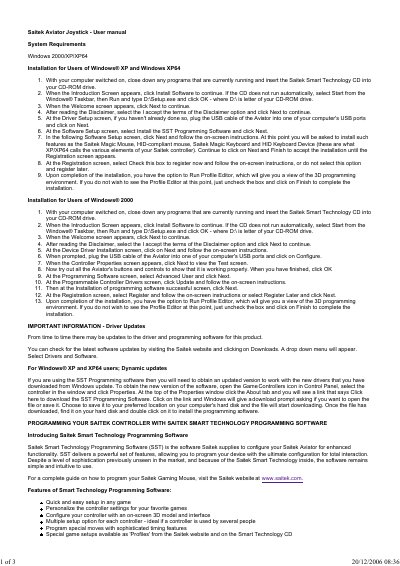

Saitek Aviator Joystick User Manual - cover page
Brand
Saitek
Category
Other Computer Accessories
Document type
User Manual
Language
English
Pages
3
File format
PDF
File size
47 KB
Published
16 October, 2023
Updated
16 October, 2023
MD5 checksum
78ADDBF24C3222365DD34F9FC3A36E28

About this manual

This document serves as the user manual for the Saitek Aviator Joystick. It details the system requirements, specifically for Windows 2000 and Windows XP/XP64, and provides step-by-step instructions for installing the necessary drivers and Saitek Smart Technology (SST) programming software from the included CD-ROM.

What's inside

  • System Requirements
  • Installation for Windows XP
  • Installation for Windows 2000
  • Saitek Smart Technology Software
  • Programming Your Controller
  • Creating Profiles
  • Technical Support
  • Conditions of Warranty

Frequently asked questions

What operating systems are supported for the Saitek Aviator?

The manual specifies support for Windows 2000/XP/XP64.

How do I install the software for Windows XP?

Insert the CD, click Install Software, and follow the on-screen prompts to install the SST Programming Software.

What is a Profile in the context of this controller?

A Profile is a custom setup for improved gameplay consisting of a set of commands pre-assigned to the buttons or axes.

Download PDF (47 KB)

More Saitek Manuals


View all Saitek manuals →