
This file is the user manual for the Saitek mouse, which mainly introduces the use of the mouse and troubleshooting methods.
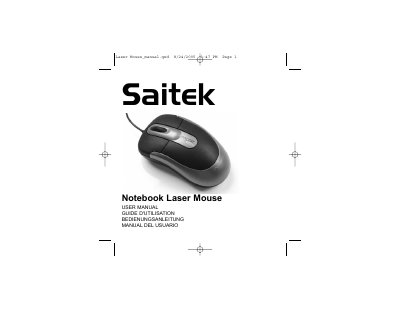
This manual provides instructions for the Saitek Notebook Laser Mouse, a device featuring 1200dpi resolution and programmable desktop tools. It is designed to work on various surface textures, including glass and wood. The guide details how to connect the mouse via USB to a PC running Windows 2000/XP/XP64 and includes steps for completing the device installation wizard.
| Resolution | 1200dpi |
|---|---|
| Operating System | Windows 2000/XP/XP64 |
| Warranty Period | 2 years |
The mouse is compatible with PCs running Windows 2000, Windows XP, and Windows XP 64-bit.
Yes, the mouse can work on all kinds of surface textures, even on glass and wood.
With your PC on, insert the Laser Mouse's USB plug into one of your PC's USB sockets and follow the installation wizard.