
This document is the user manual of Eclipse III Backlit Multimedia Keyboard, introducing its features and characteristics, including the color of key backlighting, volume adjustment, pause/play, previous track/next track, sleep function, etc.
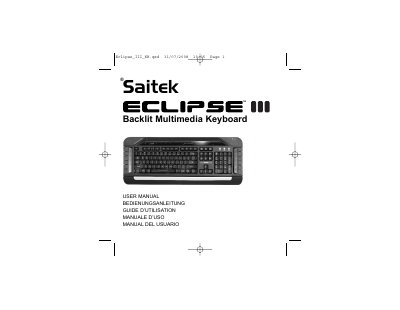
The Saitek Eclipse III Backlit Multimedia Keyboard features a sleek design with touch-sensitive lighting, volume controls, and dedicated Windows and Office shortcut keys. It includes adjustable multi-color backlighting, a two-stage height adjustment with a removable wrist rest, and pass-through audio ports for headphones and microphones. The keyboard is compatible with PCs running Windows XP, XP64, and Vista.
| Compatible OS | Windows XP/XP64/Vista |
|---|---|
| Warranty period | 2 years |
Press the color selector control and then use the minus or plus buttons to scroll through the colors.
Press the sleep button for three seconds to operate the function.
The volume indicators will not illuminate unless the Eclipse III software driver is installed.