
Saitek 3 Button Wired Laser Desktop Mouse User Manual

This document is the manual for Saitek 3 Button Wired Laser Mouse
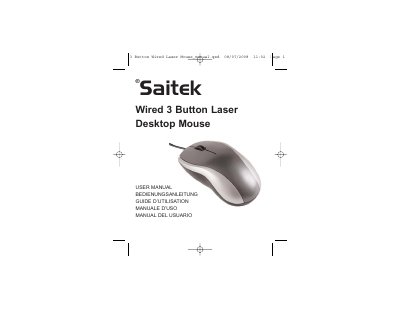

Saitek 3 Button Wired Laser Desktop Mouse User Manual - cover page
Brand
Saitek
Category
Mouse keyboard
Document type
User Manual
Language
English
Pages
13
File format
PDF
File size
268 KB
Published
16 October, 2023
Updated
16 October, 2023
MD5 checksum
35909B39AAF6A873F79ACC7347D7D735

About this manual

This document is the official user manual for the Saitek 3 Button Wired Laser Desktop Mouse. It provides instructions on connecting the device via USB to a PC running Windows 2000/XP/Vista or Mac OS X. The guide includes a detailed section on technical support, advising users to visit the Saitek website before contacting local support teams.

What's inside

  • Technical Support
  • FCC Compliance and Advisory Statement
  • Conditions of Warranty
  • Important Information
  • System Compatibility
  • Connecting the mouse
  • TROUBLESHOOTING

Frequently asked questions

What is the warranty period for this mouse?

The warranty period is 2 years from the date of purchase, provided you have proof of purchase.

What steps should I take if the mouse causes radio interference?

You should try reorienting the antenna, increasing separation from the receiver, or connecting the equipment to a different circuit.

What should I do if I feel pain or numbness while using the mouse?

You should consult a qualified health professional immediately and follow precautions like taking frequent breaks.

Download PDF (268 KB)

More Saitek Manuals


View all Saitek manuals →