
This document is the user manual for the Saitek C100X Wireless Desktop Set
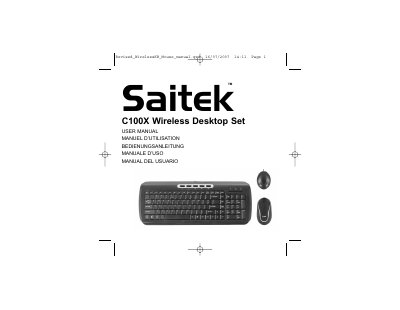
The Saitek C100X Wireless Desktop Set includes a slimline multimedia keyboard and an optical mouse featuring reliable 27MHz wireless technology with a range of up to 3 meters. The set is equipped with an automatic power management system and includes two sets of rechargeable batteries for extended usage.
| Wireless Technology | 27MHz |
|---|---|
| Wireless Range | up to 3m |
| Battery Type | 4 AAA rechargeable batteries |
| System Compatibility | Windows 2000/XP/XP64/Vista/Mac OS X |
| Warranty Period | 2 years |
Press and hold down the button on the receiver and then the buttons on the underside of the mouse and keyboard.
No, you can only recharge one set of batteries at a time.
The mouse or keyboard will not function while the batteries have been taken out to recharge.