
Elo Touch Solutions B Series SW602040 All-in-One Touch Computer User Manual

This document provides information on the installation, operation, options and upgrades, security and maintenance, technical support, regulatory information, and warranty information for Elo Touch Solutions' 15” B Series All-in-One Touch Computer and 17” B Series All-in-One Touch Computer.
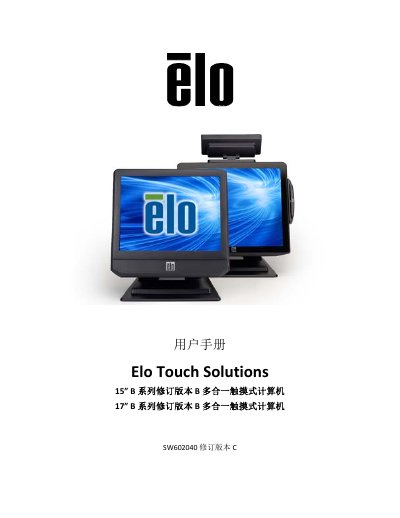

Elo Touch Solutions B Series SW602040 All-in-One Touch Computer User Manual - cover page
Brand
Elo Touch Solutions
Category
All-in-One Desktops
Document type
User Manual
Language
Chinese
Pages
46
File format
PDF
File size
1.8 MB
Published
11 October, 2022
Updated
27 September, 2023
MD5 checksum
1A421830FA11371559D33AFD6D29F75E

About this manual

This user manual provides instructions for the Elo Touch Solutions B Series all-in-one touch computer, specifically revision B model SW602040. It covers the entire lifecycle of the device, from unboxing and initial setup to daily operation and maintenance. This manual is written in Chinese.

What's inside

  • Introduction
  • Installation
  • Operation
  • Optional Peripherals and Upgrades
  • Safety and Maintenance
  • Technical Support
  • Regulatory Information
  • Warranty Information

Frequently asked questions

What is the warranty period for this computer?

The touch computer and its components are warranted for three years.

How long does it take to scan a fingerprint with the optional reader?

The fingerprint scanner captures an image in 100 ms.

Download PDF (1.8 MB)

More Elo Touch Solutions Manuals


View all Elo Touch Solutions manuals →