
This document is the 4700/4800 Series Time Stamp Handling Manual. It explains how to use the time stamp, including preparation before use, operation instructions, adjustment of printing position, and ribbon replacement. It is recommended to read this manual completely before operating the equipment.
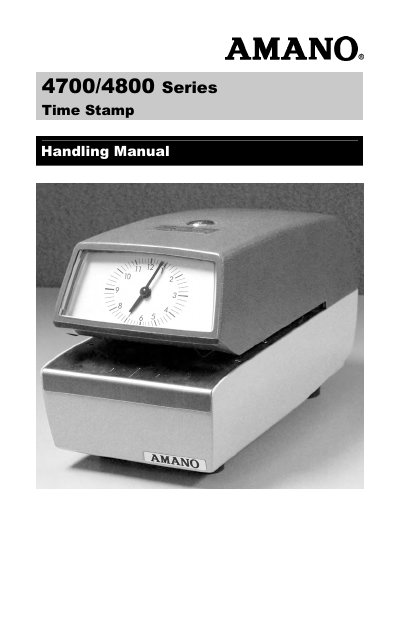
The Amano 4700/4800 Series Time Stamp Operation Manual explains how to use the 4700/4800 Series Time Stamp and should be read completely before operating the equipment.
It covers preparation before use, removing the case, operating the time stamp, setting the typewheels and clock, changing the ribbon, adjusting the printing position, and cautions for power reserve types.
| Printing position range | 37 mm – 83 mm (1.5" – 3.25") from the top of the paper |
|---|---|
| Printing position without upper die plate hammer | 16 mm – 83 mm (.66" – 3.25") from the top of the paper |
| Narrow paper width | narrower than 65 mm (2 5/8") |
| Automatic printing capacity | about 5 sheets if back carboned slips |
Insert the key into the key lock on the upper case, turn it, hold the case with both hands, draw it frontward a little, and lift it up.
Check the ribbon reverse turn lever, wind the ribbon onto the front spool, remove it, install a new ribbon with spool, wind it through the outside ribbon guide shaft, and fix it with the ribbon fixer.
Turn the clock advance gear to set the clock; it can be turned in either the right or left direction.
Replace the ribbon with a new one and do not paint with stamping ink, as this could injure the machine.