
This manual introduces the installation and use of MTX-15 terminals, including typical installation, setup and troubleshooting.
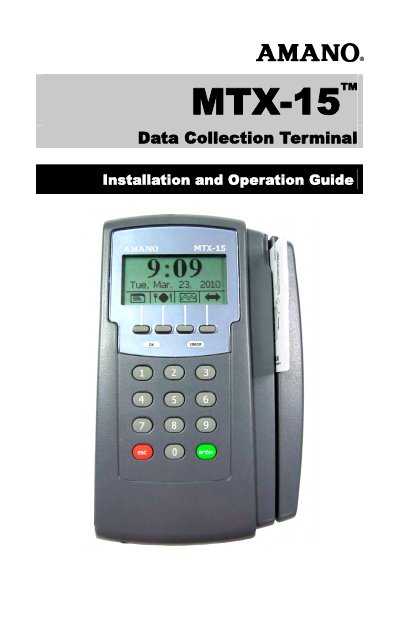
This guide covers the Amano MTX-15 Data Collection Terminal for use with Amano Time & Attendance software, including Time Guardian v5.0, Time Guardian Plus v2.0, and Time Guardian Pro v4.0. It details terminal installation, daily operation, and diagnostics.
The package includes the MTX-15 terminal with an AC adapter and keys, with optional cables or software depending on the model. Installation steps cover unpacking, dip switch settings, wall mounting, coin battery activation, battery backup, and communication connections.
| Operating Environment | 32°F to 113°F (0°C to 45°C), 10-90% RH non-condensing |
|---|---|
| AC Adapter Power Input | 105 - 130 VAC, 50-60 Hz |
| Power Consumption | 1.5 W (Serial), 2.1 W (Modem), 3.0 W (Network) |
| Dimensions | 8.86" L x 5.5" W x 1.9" D (225 mm x 140 mm x 49 mm) |
| Weight | 6 lbs. (2.7 kg) |
| Memory Backup | Up to 1 year without AC power |
| Battery Backup | Optional 6 AA alkaline non-rechargeable batteries |
Time Guardian v5.0, Time Guardian Plus v2.0, and Time Guardian Pro v4.0.
Pull and remove the green paper insulating strip from under the coin battery.
6 lbs. (2.7 kg).
It maintains power to the flash memory for setup and transactions.