
This document provides the installation and operation guide for the PIX-75 Atomic Time Clock. It features an atomic clock function that displays the current time precisely by automatically receiving time code signals via long wave radio.
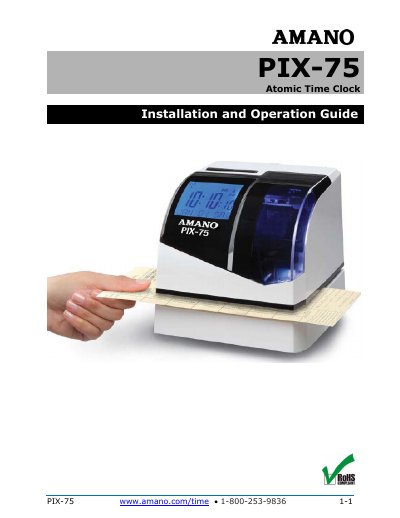
The Amano PIX-75 is an atomic time clock that displays the current time precisely by automatically receiving long wave radio time code signals through its built-in antenna system. It also works as a time recorder/stamp and keeps time using its quartz mechanism if the radio signal is unavailable.
This installation and operation guide covers quick-start setup, voice and button programming, print formats, daylight saving time, wall mounting, ribbon cartridge replacement, error messages, cleaning, and warranty information for the PIX-75.
The unit receives the time code signal via its built-in antenna system.
The clock keeps time using its quartz mechanism, plus or minus three seconds per week.
There are six pre-configured print formats, Format 1 through Format 6.
Yes, removing the cover activates voice programming mode, and the clock responds to “Hello Clock.”