
This manual provides detailed instructions on how to operate the Amano TCX-22 electronic time clock.
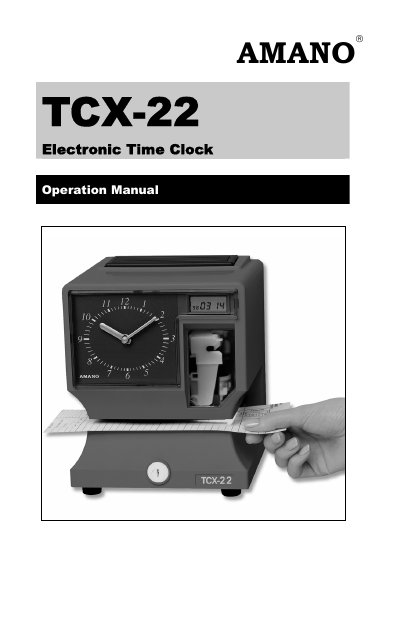
The Amano TCX-22 Operation Manual describes the setup and operation of the TCX-22 electronic time clock. It covers specifications, removing the cover and packing material, powering the clock from an AC adapter or a 12 V sealed rechargeable battery, and making a test print.
The manual also explains margin adjustment, the illuminated print option, and Program Mode, including date and time settings, Daylight Saving Time, Quick Set-Up print styles, and the Other Options menu.
| Clock input power | AC16.5V, 60Hz, 0.6A (Max.) |
|---|---|
| Battery | 12V 1.2Ah sealed rechargeable lead-acid battery |
| Ambient temperature | -10°C to 45°C (14°F to 113°F) |
| Ambient humidity | 10% to 90% (non-condensing) |
| Dimensions | 6 7/8” (175 mm) wide x 8 1/4” (210 mm) high x 6 1/4” (159 mm) deep |
| Weight | Approximately 5.9 Kg (13 lbs.) |
| Maximum print margin | 7/8” (22 mm) |
The manual states the battery can maintain normal operations for 1 week and/or 5000 prints in the event of an A/C power failure.
It automatically prints YEAR, MONTH, DATE and TIME with AM or PM.
In Program Mode, select P3 dLS and press CHANGE to alternate between On and Off, then press ENTER to save the setting.
The print margin can be adjusted to a maximum of 7/8” (22 mm).