
This is an FPT-40 Fingerprint Data Collection Terminal from Amano Cincinnati, Inc. that can collect fingerprint information and send it to Amano Time & Attendance software for management.
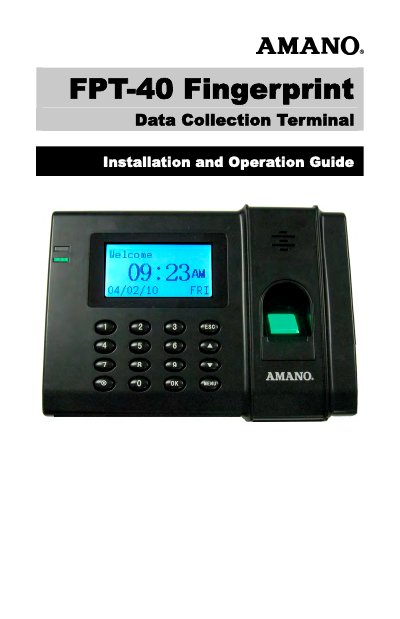
The Amano FPT-40 Fingerprint Data Collection Terminal is a fingerprint recognition and data collection terminal for use with Amano Time & Attendance software. It provides a PC-based time and attendance solution for small business and eliminates fraudulent punches.
This Installation and Operation Guide covers wall mounting, communication connections, startup, daily punching with fingerprint or password, user enrollment, privileges, system options, setup with Time & Attendance software, diagnostics, maintenance, cleaning, and specifications.
| Unit weight | 1.35 lbs. (0.61 kg) |
|---|---|
| Recommended mounting height | 55 – 60 inches (1.4 – 1.5 meters) |
It works with Time Guardian v5.0, Time Guardian Plus v2.0, and Time Guardian Pro v4.0.
All employees must be enrolled at the terminal with fingerprint and/or PIN password for identification and validation.
The recommended proper height is 55 – 60 inches (1.4 – 1.5 meters).