
This manual introduces the basic operation of the Amano PIX-3000x electronic time recorder.
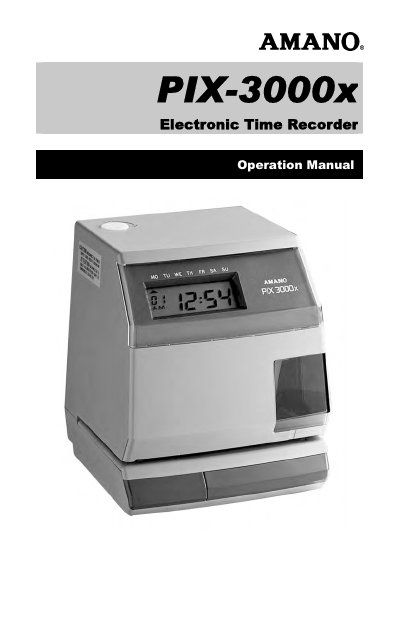
The Amano PIX-3000x Electronic Time Recorder Operation Manual explains how to set up and operate the PIX-3000x time recorder. It covers removing the cover, connecting the battery, wall mounting, print media, and making the first printout.
The manual also describes programming modes for date, time, daylight saving time, automatic numbering, and symbol-signal printing. Maintenance sections cover error messages, ribbon life, and ribbon replacement.
| Power Requirements | AC 100/120/230 V ±10%, 50/60 Hz |
|---|---|
| Power Consumption | Normal 3W, maximum 6W |
| Ambient Temperature | -10°C to 45°C (14°F to 113°F) |
| Humidity | 10% to 90% (non condensing) |
| Weight | 2.3 kg (5 lbs.) |
| Power Reserve | 62 hours or 400 prints |
When fully charged, the built-in battery maintains normal operations for 62 hours or 400 prints.
You should not exceed a media thickness of 0.3 mm (0.01").
The imprint will print through up to six copies, depending on the quality of the document used.
The counter will be reset to 000000.