
This is an operation manual for the PIX-15 Electronic Time Recorder. The manual provides instructions on how to use and set up the product, including information on daylight saving time settings and disabling the DST function.
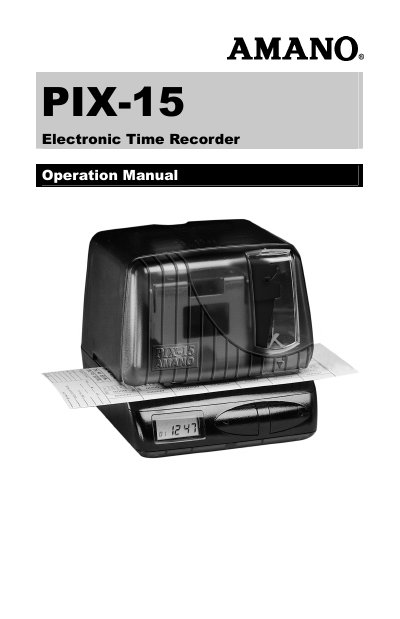
This manual provides instructions for the Amano PIX-15 Electronic Time Recorder, including initial setup, removing packaging spacers, and entering the clock program to set the date and time. It details how to configure print styles and Daylight Saving Time settings using specific codes and button sequences.
| Time Format | 24 hour and 60 minute format |
|---|---|
| Power Source | Lithium battery |
Set the beginning and ending dates for Daylight Saving Time to the same date.
You must remove the packaging spacers from the printer block and the printer carriage before attempting to use the device.
Three #10 wood screws or equivalent are needed to securely mount the PIX mounting bracket on the wall.
You must disable the Daylight Saving Time feature by setting the beginning and ending dates to the same date.