
AMANO® PIX-21 Electronic Time Recorder Operation Manual provides important notes and DST settings instructions for the product.
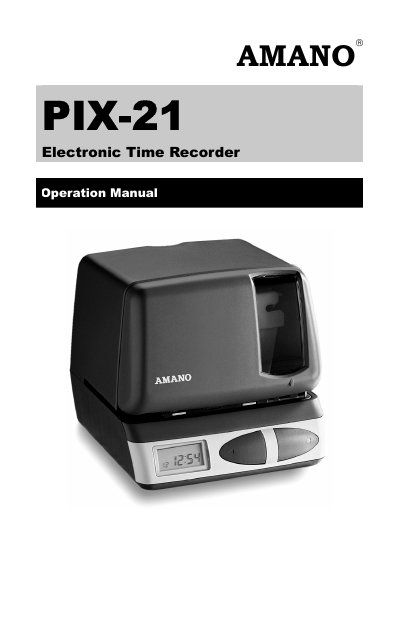
The Amano PIX-21 Electronic Time Recorder is designed for time tracking and features a front panel with a RESET button, PRINT/CHANGE button, and PRINT/ENTER button. The device includes a printer mechanism that requires specific steps for cover removal and ribbon installation before use.
The code to enter the Normal programming mode is 8088.
Use the 24-hour and 60-minute format (e.g., 2:00 pm = 14:00) and press the CHANGE button to adjust the hour and minutes.