
This is an electronic time clock operation manual, which contains product function introduction, usage instructions and precautions.
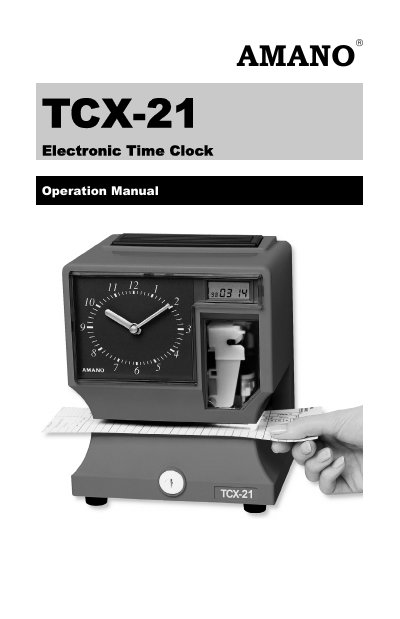
The Amano TCX-21 is an electronic time clock designed for indoor use, featuring an analog clock, LCD display, and thermal printer. It supports multiple voltage inputs (100V, 120V, 230V) and allows for customization of print styles, including date formats, time formats (12/24 hour), and language settings.
The device includes a comprehensive programming mode accessible via the cover removal process, allowing users to set the date, time, and Daylight Saving Time parameters. It also offers diagnostic routines to check LCD segments and clear memory, ensuring the unit functions correctly for time tracking applications.
| Power Requirements | AC100V ± 10%, 50/60Hz; AC120V ± 10%, 60Hz; AC230V ± 10%, 50/60Hz |
|---|---|
| Ambient Temperature | -10°C to 45°C (14°F to 113°F) |
| Ambient Humidity | 10% to 90% (non-condensing) |
| Dimensions | 6 7/8” (175 mm) wide x 8 1/4” (210 mm) high x 6 1/4” (159 mm) deep |
| Weight | 3.196 Kg (7 lbs.) |
Enter the Program Mode, navigate to the P3 dLSt menu, and press the CHANGE button to alternate the setting to Off.
The print margin can be adjusted to a maximum of 7/8” (22 mm) using the Card Stopper Adjustment Screw.
Unlock the cover, enter the Program Mode, navigate to the I8 dIA9 menu, and press ENTER to run the diagnostics.