
This is the user guide for Time Guardian Series software from Amano Cincinnati, Inc.
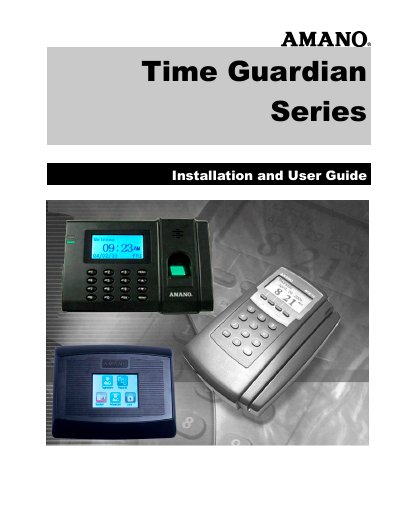
This Amano Time Guardian Series Installation and User Guide covers Time Guardian v5.2 and higher, Time Guardian Plus v2.2 and higher, Time Guardian Pro v4.2 and higher, and Nexus Lite Management (NLM) v1.1. It is published by Amano Cincinnati, Inc. and provides installation, setup, and operating instructions for the time and attendance software suite.
The guide explains how to install the software, use the Setup Wizard, administer employees and timecards, manage communications and payroll output, and use optional modules such as access control, web interface, scheduling, overtime, meal, rounding, and labor rate management.
| Base employee capacity | 100 employees |
|---|---|
| Concurrent users | 1 for Time Guardian, 5 for Time Guardian Plus and Pro |
| Built-in payroll interfaces | 13 |
| Supported operating systems | Windows 2000/XP/VISTA/Server 2000, 2003 and 2008, and Mac OS |
| Server memory | 1 GB |
| Client memory | 512 MB |
| Hard disk space | 700 MB Server / 100 MB Client |
| Screen display | 800 x 600 Small Font |
| Database | Firebird or MS SQL |
It covers Time Guardian v5.2 and higher, Time Guardian Plus v2.2 and higher, Time Guardian Pro v4.2 and higher, and Nexus Lite Management (NLM) v1.1.
The server requires 1 GB of memory and the client requires 512 MB of memory.
It includes thirteen built-in payroll interfaces.
Supported systems include Windows 2000, XP, Vista, Server 2000, 2003 and 2008, and Mac OS.