
Introduces the installation and operation of TS-3000i® TimeSync Web Clock
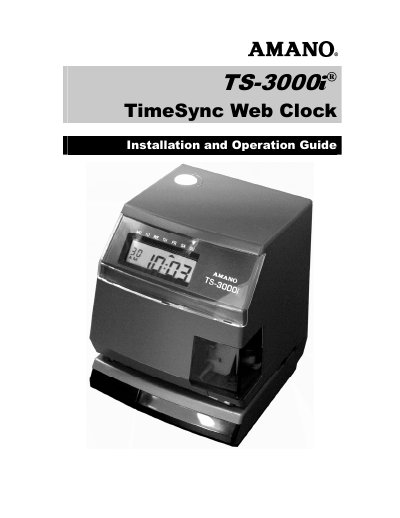
This Amano TS-3000i Web Clock Installation and Operation Guide provides instructions for installing, configuring, and operating the TS-3000i Web Clock, a network time stamp device with a web interface. It covers hardware setup, wall mounting, print options, and initial network connection using Zeroconf or a web browser.
The guide also explains time synchronization with NTP servers, OATS compliance, user and email setup, reports, backups, diagnostics, and maintenance. The TS-3000i supports Power over Ethernet or an optional Full Power Reserve and works with Internet Explorer, Safari, and Firefox.
| Maximum sync frequency | once every 2 hours |
|---|---|
| Daily time validations | up to 12 per schedule |
| Data storage duration | 5 years |
| User logins | 2 separate users |
| Web browsers | IE, Safari, and Firefox |
| Power options | PoE or Full Power Reserve (FPR) |
The clock provides log-in security for two separate users.
It is compatible with IE, Safari, and Firefox web browsers.
The clock can store five years of data using one normal sync schedule of two syncs per day.