
This manual introduces the basic operation methods of PIX-200 atomic clock
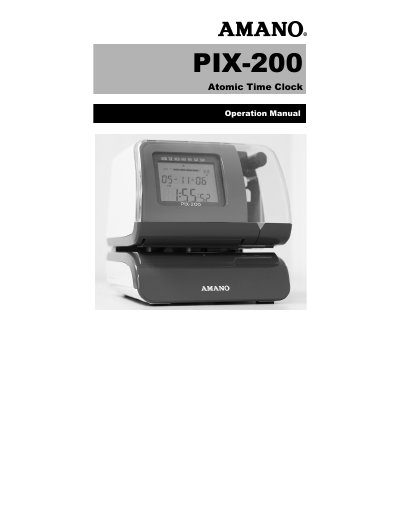
The Amano PIX-200 is an atomic time clock and time recorder/stamp that displays the current time precisely by automatically receiving time code signals on long wave radio. It requires DC 15V power and is intended for indoor use in a dust-free environment.
This operation manual provides safety guidelines, specifications, parts and controls descriptions, getting started instructions, program mode settings, atomic clock setup, and maintenance and troubleshooting information.
| Power Supply | DC 15V |
|---|---|
| Power Consumption | 1.2A |
| Weight | Approximately 4.85 lbs. (2.2 kg) |
| Ambient Temperature | 14°F to 113°F (-10°C to 45°C) |
| Environment | Indoor use only |
It uses a DC 15V power supply.
Press and slide the print position adjuster (slide lever) located on the right outside bottom of the unit.
It automatically receives time code signals on long wave radio from the transmitting station via its built-in antenna system.