
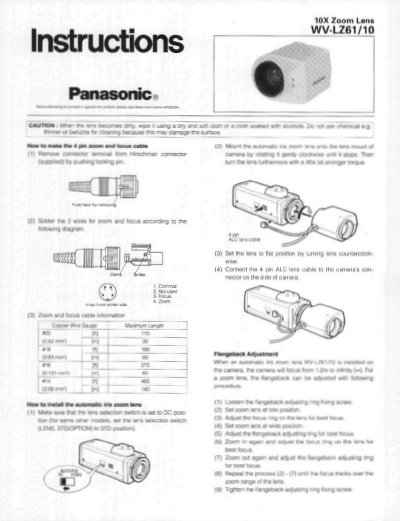
This document provides installation instructions for the Panasonic WV-LZ61/10 10X zoom lens. It details how to connect the remote focus and zoom cables, including a wiring diagram for the 4-pin connector. The guide also explains the procedure for adjusting the flangeback to ensure proper focus across the zoom range.
| Focal length | 6-60mm |
|---|---|
| Maximum Aperture | F=1: 1.6 (wide) - 1 : 2.6 (tele) |
| Image Size | 3.6 (V) x 4.8 (H) mm |
| Mount | CS Mount (1"-32UN) |
| Filter Size | @35.5 mm P = 0.5 mm |
| Weight | 0.43 Ibs. (210g) |
| Ambient Operating Temperature | -10°C - +50°C |
No, the zoom and focus functions cannot be activated simultaneously.
The minimum object distance is 1.2m.