
Panasonic WJ-RT416 Digital Disk Recorder Operating Instructions

This manual introduces the operation of WJ-RT416 digital disk recorder, including installation, network settings, monitoring live images etc.
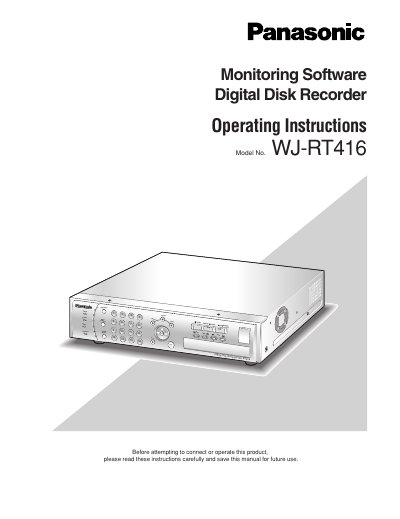

Panasonic WJ-RT416 Digital Disk Recorder Operating Instructions - cover page
Brand
Panasonic
Category
other commodities
Document type
User Manual
Language
English
Pages
59
File format
PDF
File size
2.1 MB
Published
08 August, 2012
Updated
30 September, 2023
Model
WJRT416
MD5 checksum
34A84213BABD8B536587E1207D46DC8E

About this manual

This manual provides operating instructions for the RT4Client and RT4Viewer software used to control and configure the Panasonic WJ-RT416 Digital Disk Recorder. The document covers system requirements, installation procedures, and basic usage of the monitoring interface.

What's inside

  • Limitation of Liability
  • System Requirements for a PC
  • Installation
  • Uninstallation of the monitoring software
  • Start the RT4Client
  • Operation window
  • Configure the Network Settings
  • Monitor Live Images
  • Play recorded images on the recorder
  • Firmware update of the recorder

Specifications

OS CompatibilityMicrosoft Windows XP Professional SP2 / Home Edition SP2
CPU RequirementPentium 4 3.0 GHz or faster
Memory Requirement512 MB or more
Graphic Memory Requirement256 MB or more
Display Resolution1024 x 768 pixels or more

Frequently asked questions

How do I uninstall the monitoring software?

Open 'Add or Remove Programs' in Control Panel, select 'RT4 Monitoring Software', and click the [Change/Remove] button.

What software is required to read these operating instructions?

Adobe Reader is required to read the PDF operating instructions provided on the CD-ROM.

Download PDF (2.1 MB)

More Panasonic Manuals


View all Panasonic manuals →