
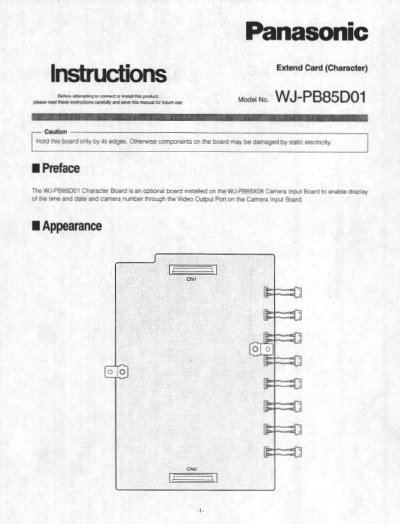
The WJ-PB85D01 Character Board is an optional component installed on the WJ-PB85X06 or WJ-PB85X08 Camera Input Board. Its purpose is to enable the display of time, gate, and camera number through the Video Output Port on the Camera Input Board.
This guide provides step-by-step installation procedures for qualified service personnel or system installers. It details the necessary jumper settings on the Camera Input Board and the physical connection of the Character Board to specific connectors (CN102 through CN802) using supplied M3x6 screws.
| Dimensions | 125(W) x 175(H) x 10(D) mm |
|---|
It is an optional board installed on the WJ-PB85X06 Camera Input Board to enable display of the time and Gate and camera number through the Video Output Port.
The board measures 125(W) x 175(H) x 10(D) mm or 4-15/16"(W) x 6-7/8"(H) x 3/8"(D).
The board weighs 0.1 kg (0.2 Ibs).