
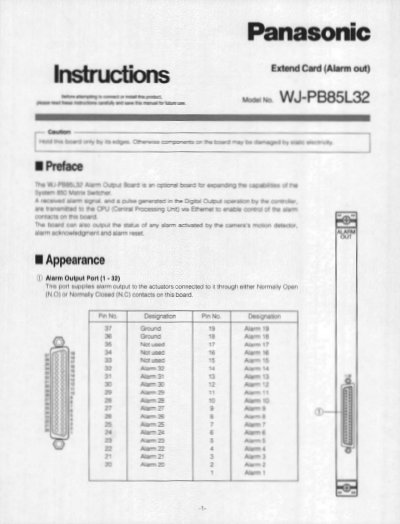
Panasonic WJ-PB85L32 Alarm Output Board Installation Instructions


Panasonic WJ-PB85L32 Alarm Output Board Installation Instructions - cover page
Brand
Panasonic
Category
other commodities
Document type
Installation Guide
Language
English
Pages
4
File format
PDF
File size
497 KB
Published
08 August, 2012
Updated
20 August, 2012
MD5 checksum
EF9144427FFBD27D43B8D770E88CD0E1

About this manual

This document provides installation instructions for the Panasonic WJ-PB85L32 Alarm Output Board, a component designed to supply alarm outputs to actuators connected via a 37-pin D-sub connector. The board supports selectable Normally Open (N.O.) or Normally Closed (N.C.) contacts and is compatible with the WJ-SX850 Matrix Switcher Card Cage.

What's inside

  • Alarm Output Port
  • Board Setting
  • Switch Configuration
  • Jumper Connectors
  • Installation Steps
  • Specifications
  • Dimensions
  • Wiring Diagrams

Specifications

Power Supply24V DC 500 mA maximum
Connector Type37-pin D-sub connector
Contact ConfigurationNormally Open or Normally Closed selectable
Weight (Front Board)0.5 kg (1.1 lbs)

Frequently asked questions

What is the factory default setting for the board number?

The factory default setting is Board Number 4 (00).

What is the default state of the jumper connectors?

The factory default settings are Normally Open (N.O.).

Download PDF (497 KB)

More Panasonic Manuals


View all Panasonic manuals →