
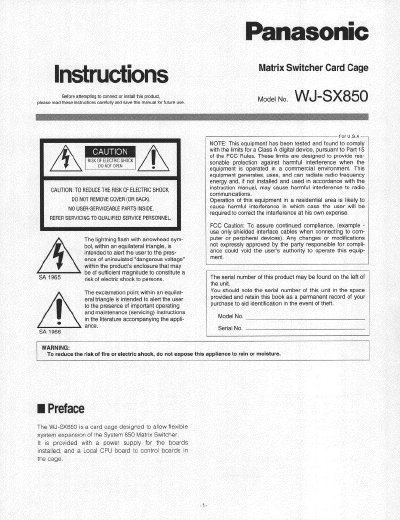
Panasonic WJ-SX850 Matrix Switcher Card Cage Installation and Operation Instructions


Panasonic WJ-SX850 Matrix Switcher Card Cage Installation and Operation Instructions - cover page
Brand
Panasonic
Category
other commodities
Document type
User Manual
Language
English
Pages
8
File format
PDF
File size
441 KB
Published
08 August, 2012
Updated
20 August, 2012
MD5 checksum
5C56A47FCBF7482436B9C59B4965641D

About this manual

The document serves as an instruction guide for the Panasonic WJ-SX850 Matrix Switcher Card Cage. It explains how to install the unit, configure the Local CPU board settings including cage number designation and sync signal selection, and connect power and data interfaces.

Key operational details include setting DIP switches on the circuit board to define the cage number (up to 1024) and selecting between VD or VS synchronization signals. The manual also lists technical specifications such as power consumption, dimensions, and environmental operating limits.

What's inside

  • Preface
  • Appearance
  • Board Setting
  • Specifications
  • Accessory

Specifications

Power Supply120 V AC 60 Hz

Frequently asked questions

What is the factory default setting for the VSWVD selection switch?

The factory default setting of the VSD selection switch is VD.

What is the maximum number of cages that can be designated?

Cage numbers are available up to 1024.

Download PDF (441 KB)

More Panasonic Manuals


View all Panasonic manuals →