
This document introduces the specifications, printing media, print margins and paper weight of Avery Dennison Corporation brand Avery 456608 LabelWriter 400 Plus desktop barcode label printer.
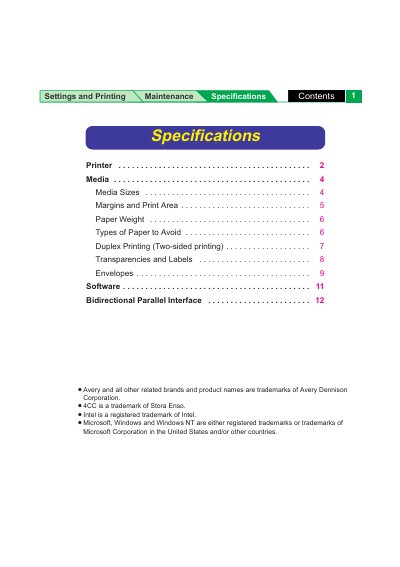
This document provides maintenance specifications for the Panasonic 8415 printer. It details environmental requirements for operation and storage, including temperature and humidity ranges, as well as physical dimensions and power consumption data.
The guide also covers supported media types, such as paper, transparencies, and envelopes, along with specific guidelines for duplex printing and paper handling. Additionally, it lists system requirements for the printer driver and interface specifications for the bidirectional parallel connection.
| Operating Temperature | 10°C to 32.5°C (50°F to 90.5°F) |
|---|---|
| Best Print Quality Temperature | 15°C to 25°C (59°F to 77°F) |
| Power Consumption (Max) | 850 W |
| Printing Method | Semiconductor Laser |
| Resolution (Standard) | 600 x 600 dpi |
| RAM Buffer (Standard) | 32 MB |
| Interface | Bidirectional Parallel |
| Operating Altitude | 0 to 2,500 m (8,000 ft.) |
Yes, the printer supports OHP transparencies such as the 3M CG3710.
The system requires a Pentium 133 MHz or greater CPU, Windows 95/98/NT 4.0, 16 MB or more RAM, and a CD-ROM drive.