
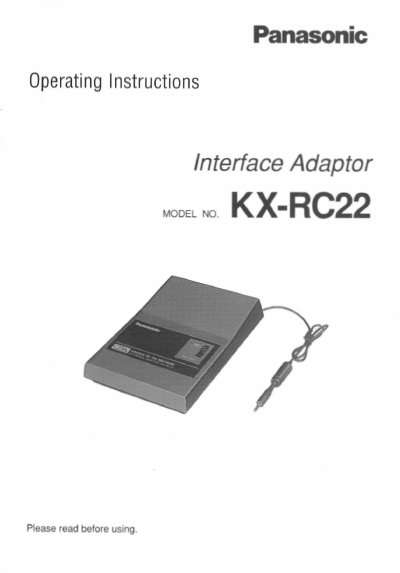
This manual provides operating instructions for the Panasonic KX-RC22 Interface Adaptor. It covers installation procedures, including unpacking, battery installation, and connecting the device to a Macintosh computer via an interface application software disk.
The guide explains how to use the adaptor to transmit check transactions from a CPA (Check Printing Accountant) system to a Macintosh in QIF file format. It also details functions for receiving and sending data, viewing CPA data on the screen, merging data files, creating QIF files for import into Quicken, and troubleshooting common issues.
| Battery Type | "AA" size battery |
|---|---|
| Interface Standard | RS-232C Serial Interface |
It allows the user to transmit check transactions from a CPA to a Macintosh in a QIF file.
The model number of the Interface Adaptor is KX-RC22.
The Interface Adaptor requires one 'AA' size battery.
Panasonic will repair the Interface Adaptor for one year from the date of original purchase.