
This document provides settings and maintenance specifications for the printer, including information on media usage and loading, print area and margins, menu mode operation, color density adjustment, and printer driver settings.
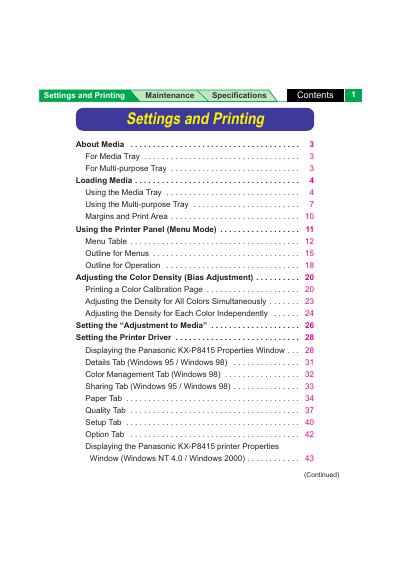
This document provides comprehensive instructions for operating the Panasonic KX-P8415 printer. It details how to load various media types into the Media Tray and Multi-purpose Tray, including specific settings for transparencies, labels, and envelopes. The guide also explains how to adjust paper thickness switches and avoid common loading errors.
| Media Tray Paper Weight (B&W) | 60 to 105 g/m² (16 to 28 lbs.) |
|---|---|
| Media Tray Paper Weight (Color) | 75 to 105 g/m² (20 to 28 lbs.) |
| Multi-purpose Tray Paper Weight Range | 75 to 165 g/m² (20 to 44 lbs.) |
| Supported Media Sizes | 91 mm x 254 mm to 216 mm x 356 mm |
For B&W laser paper, use 60 to 105 g/m² (16 to 28 lbs.), and for color, use 75 to 105 g/m² (20 to 28 lbs.).
Select the 'Thick' setting on the switch, which is designed for laser paper from 124 to 165 g/m² (33 to 44 lbs.), envelopes, and card stock.
Yes, you can use the multi-purpose tray for transparencies, labels, or envelopes, but specific loading instructions apply.