
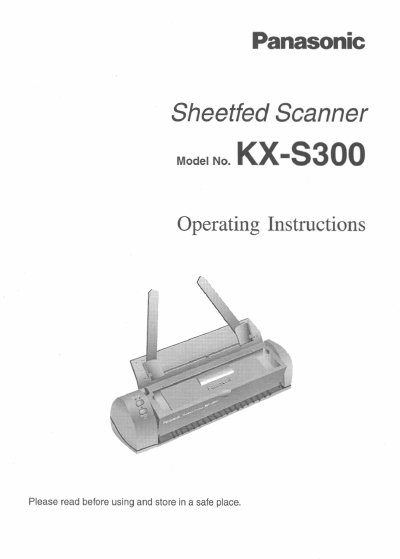
Panasonic KX-S300 Sheetfed Scanner Operating Instructions


Panasonic KX-S300 Sheetfed Scanner Operating Instructions - cover page
Brand
Panasonic
Category
Office Equipment
Document type
User Manual
Language
English
Pages
52
File format
PDF
File size
1.2 MB
Published
08 August, 2012
Updated
08 August, 2012
MD5 checksum
E85E4F3A9E9749E6CE8F549B07F7EBCE

About this manual

This document provides operating instructions for the Panasonic KX-S300 sheetfed scanner. It details the end-user license agreement, safety precautions, and physical setup of the device.

The manual guides users through installing the accompanying software, starting scanning operations, and utilizing the Document Desktop interface for viewing, organizing, editing, and exporting scanned images.

What's inside

  • Overview
  • System Requirements
  • Accessories
  • Operating Environment
  • Taking a Look at the Scanner
  • Connecting the Scanner
  • Installing the Software
  • Start Scanning
  • The KX-S300 Document Desktop
  • Organizing Documents

Frequently asked questions

What is the warranty period for the software storage media?

Panasonic warrants the storage media is free from defect for ninety (90) days of receipt.

What are the technical support hours for the east coast?

Technical support is operational during east coast business hours from 9:00 AM to 7:00 PM.

What number should be called for technical support or to order supplies?

You should call 1-800-222-0584 for technical support or to order options and supplies.

Download PDF (1.2 MB)

More Panasonic Manuals


View all Panasonic manuals →