
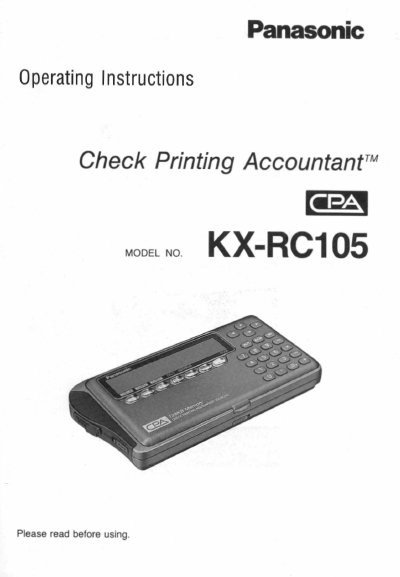
Panasonic KX-RC105 Check Printing Accountant Operating Instructions


Panasonic KX-RC105 Check Printing Accountant Operating Instructions - cover page
Brand
Panasonic
Category
Office Equipment
Document type
User Manual
Language
English
Pages
132
File format
PDF
File size
1.9 MB
Published
08 August, 2012
Updated
08 August, 2012
MD5 checksum
99B0E164B670068C6E6BB0FAA877517B

About this manual

This manual provides operating instructions for the Panasonic KX-RC105 Check Printing Accountant (CPA). The device is designed to automate personal finance management by eliminating the need for handwriting checks. Users enter data via a keypad, and the CPA prints the check along with balancing the checking account automatically.

What's inside

  • Precautions
  • Before Using
  • Preparation
  • CHECK Function
  • CARD Function
  • CASH Function
  • CALCULATOR Function
  • ADDRESS LIST Function
  • REPORT Function
  • Transferring Data

Frequently asked questions

What is the main function of this device?

The CPA prints checks automatically when data is entered, eliminating the need for handwriting.

Can the device track credit card payments?

Yes, users can enter credit card payment data, and the CPA will add up the total amount.

Can this device be used as a calculator?

Yes, the manual lists a specific function for using the CPA as a pocket calculator.

Download PDF (1.9 MB)

More Panasonic Manuals


View all Panasonic manuals →