
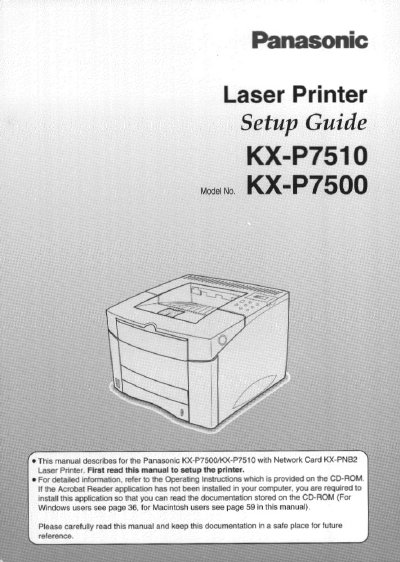
This document is a setup guide for the Panasonic KX-P7500 and KX-P7510 Laser Printers. It provides instructions on unpacking, connecting power and interface cables (parallel or network), loading media into cassettes and trays, and printing test pages. The guide also details safety precautions regarding laser radiation, ozone release, and static electricity.
| Standard RAM | 20 MB |
|---|---|
| Standard Cassette Capacity | 500-sheet |
| Network Card (KX-P7510) | KX-PNB2 |
The KX-P7510 comes standard with a network card (KX-PNB2) for network printing, while the KX-P7500 does not.
The serial number is located on the label on the rear of the unit.