
This manual is the operating instructions for the KX-P8415 Color Laser Printer, including the operation of the printer panel, printer driver and printing a document, as well as cleaning the printer, replacing supplies, clearing jams, troubleshooting, error messages and repacking.
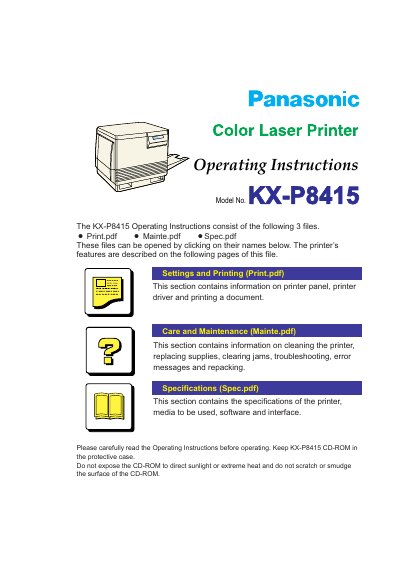
This document provides operating instructions for the Panasonic KX-P8415 Color Laser Printer. It details features such as high-quality printing with a maximum resolution of 1200 x 1200 dpi and high-speed continuous printing. The printer supports various paper types including standard, transparency, and labels via its media and multi-purpose trays.
| Resolution | 1200 x 1200 dpi |
|---|---|
| Full-color mode speed | 4 ppm |
| Monochrome mode speed | 16 ppm |
| Standard tray capacity | 200 sheets |
The maximum resolution is 1200 x 1200 dpi with optional additional memory.
Yes, transparency can be used when loaded in the optional tray or the multi-purpose tray.