
This document describes how to clean and maintain the HP LaserJet 1020 printer. It also describes how to clear paper jams, how to resolve the “Media type mismatch” error, and how to troubleshoot problems.
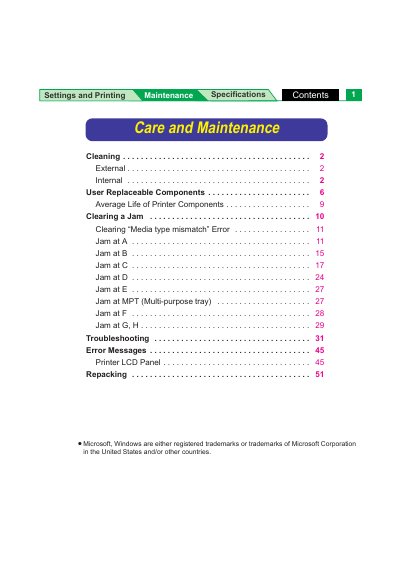
The document serves as a comprehensive manual for the Panasonic 8415MNTC printer, covering care and maintenance procedures such as cleaning external covers and internal paper-pick rollers. It details how to clear various media jams (A through Fw) and troubleshoot error messages displayed on the LCD panel.
A significant portion of the guide is dedicated to user-replaceable components, listing average page life for items like toner cartridges, fuser units, and imaging units based on specific usage conditions. It also includes instructions for repacking the printer for shipping.
The printer should be cleaned at least once a month, or when it experiences frequent media jams and when print quality has deteriorated.
Isopropyl alcohol with at least 90% purity is recommended; rubbing alcohol should not be used as it can damage the printer.