
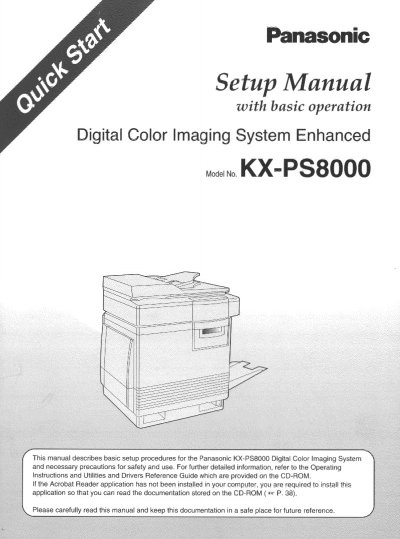
Panasonic KX-PS8000 Digital Color Imaging System Setup Manual


Panasonic KX-PS8000 Digital Color Imaging System Setup Manual - cover page
Brand
Panasonic
Category
Office Equipment
Document type
User Manual
Language
English
Pages
68
File format
PDF
File size
2 MB
Published
08 August, 2012
Updated
08 August, 2012
MD5 checksum
7E5A8AD22E7C0AB3EBBE8982BCFDE96F

About this manual

This manual describes basic setup procedures for the Panasonic KX-PS8000 Digital Color Imaging System, which consists of the KX-PS8001 Color Laser Printer and the KX-PS8002 Color Scanner. It includes necessary precautions for safety and use, as well as instructions for unpacking, connecting, and powering on the units.

What's inside

  • General
  • Before You Start
  • Features
  • System Requirements
  • Unpacking
  • Setting Up the Printer
  • Setting Up the Scanner
  • Connecting the System
  • Power On
  • Installing the Software

Specifications

System ComponentsKX-PS8001 Color Laser Printer and KX-PS8002 Color Scanner

Frequently asked questions

Where are the serial numbers located?

The serial numbers are located on the labels on the rear of the units.

What components make up the Panasonic KX-PS8000 Digital Color Imaging System?

The system consists of the KX-PS8001 Color Laser Printer and the KX-PS8002 Color Scanner.

What is the technical support telephone number for users in the United States?

The end user technical support number is 1-888-744-2424, which is operational during East Coast business hours.

Download PDF (2 MB)

More Panasonic Manuals


View all Panasonic manuals →