
This document provides operating instructions and features of the Panasonic KX-MB2061 multi-function printer. It advises users to connect the printer to the computer during the setup process and mentions additional features and precautions of the printer.
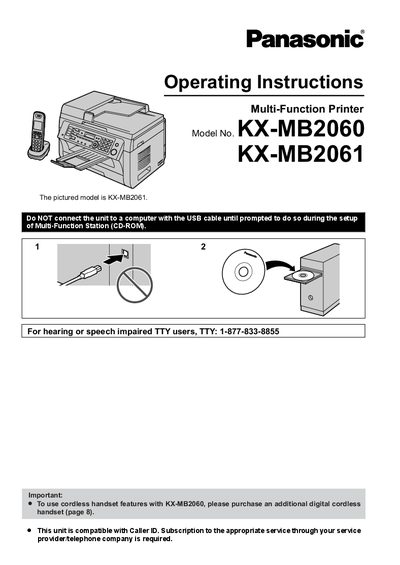
This manual provides operating instructions and safety information for the Panasonic KX-MB2060 / KX-MB2061 Multi-Function Printer. It includes details on accessories, button and display descriptions, initial programming, and connections. The document also covers essential safety precautions, such as laser radiation warnings, fuser unit heat alerts, and proper handling of toner and drum cartridges, along with telephone and cordless handset guidelines.
The default setting is English. To change it, refer to feature #110 on page 78 and feature #112 on page 88.
Do not leave the toner cartridge out of the protective bag for a long time, as this will decrease the toner life.
To extend the life of the drum cartridge, leave the power turned ON for a minimum of 30 minutes after printing.