
The document introduces the functionality of PC Software, which allows users to work with the data on their Organizer using their PC. It enables data transfer, editing, and deletion between the Organizer and PC. Additionally, PC Software supports data import and export using the CSV file format.
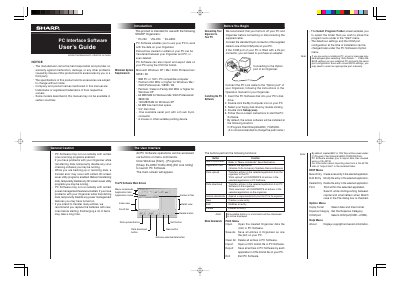
This document is the User's Guide for Sharp PC Interface Software, designed to work with Sharp EL-6990, YO-290, and ZQ-290 organizers. The software allows users to transfer data entries between the organizer and a PC, import and export data in CSV format, and manage backup files.
| Supported Organizers | YO-290, ZQ-290, EL-6990 |
|---|---|
| Minimum RAM for Windows XP | 128 MB RAM |
| Minimum RAM for Windows Me/2000/98 | 64 MB RAM |
| Minimum CPU for Windows XP | Pentium / Celeron Family 300 MHz |
| Maximum Entries (YO/ZQ290) | Tel: 290; other application: 2048 |
| Maximum Entries (EL-6990) | Tel: 290; other application: 920 |
The software is intended for use with the YO-290, ZQ-290, and EL-6990 organizers.
Yes, the software enables you to import data files created using a CE-491W.
Previous data will be overwritten and deleted by the transferred data.