
This document introduces the features and characteristics of a product
Congratulations on purchasing the 02-570 Electronic Organizer. This manual provides instructions for setting up the device, including battery installation and initialization, as well as an overview of its keyboard, display, and part names.
The guide details how to use various applications such as Calendar, Schedule, To Do, ANN, Tel, User File, Memo, Calculator, Clock, Expense, and Desk Accessories. It also explains peripheral connectivity for data transfer with a personal computer and provides instructions for personalizing the device settings.
| Date Range Support | January 1, 1901 to December 31, 2099 |
|---|---|
| Warranty Period | One(1) year parts and labor from date of purchase. |
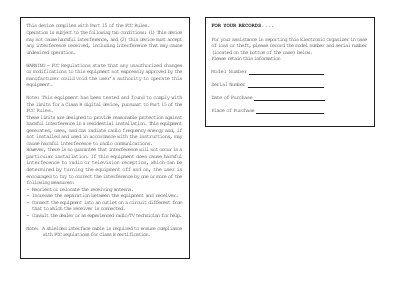
The device must not cause harmful interference, and it must accept any interference received, including interference that may cause undesired operation.
The Calendar and Schedule functions can handle dates from January 1, 1901 to December 31, 2099.
The warranty covers one year of parts and labor from the date of purchase for the Electronic Organizer.