
This document provides instructions on how to use the electronic organizer OZ-770, including general operation, time management, creating a database, memo desk accessories, expense features and utilities, data transfer, and personalization.
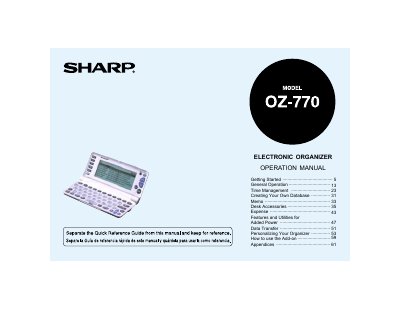
The document is an operation manual for the Sharp OZ-770 Electronic Organizer. It guides users through getting started with the device, including installing batteries and initializing the unit. The guide details how to navigate the main menu and use various applications such as Calendar, Schedule, To Do, Memo, Calculator, and Expense tracking.
The ESC key cancels an operation.
Do not carry the unit loose in a bag or briefcase; instead, place it in a pocket or a secure compartment to prevent damage.
Insert two batteries on top of the ribbon tab, ensuring they are positioned correctly according to plus (+) and minus (-) polarity.
Failing to replace weak batteries may result in leakage or lost data.