
This document is the operation manual for the 41 MODEL OZ-590 electronic organizer, providing information on the various functions and modes of the product, as well as instructions on how to use and manage the memory.
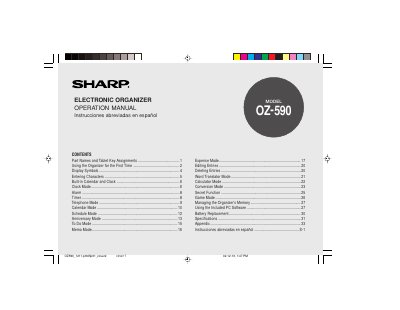
This document is the operation manual for the Sharp OZ590 Electronic Organizer. It provides instructions on initial setup, including battery installation and system reset procedures. The guide details how to use various built-in functions such as the calendar, clock, telephone, schedule, expense tracking, word translator, calculator, and game modes.
| Date/Time Range | Jan. 1, 1950 to Dec. 31, 2150 |
|---|---|
| City Names | 98 names of cities |
The Organizer will automatically turn off to save the battery.
The device allows you to enter any desired date and time between Jan. 1, 1950 and Dec. 31, 2150.
The Organizer has 98 names of cities available for use.
The Organizer will automatically turn off after 3 minutes if no keys are pressed.