
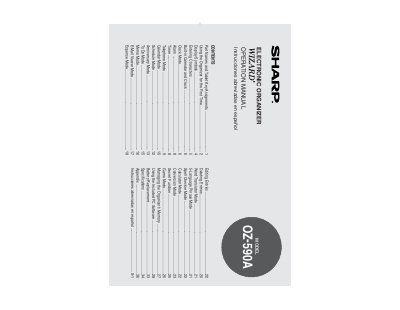
The Sharp OZ-590A Operation Manual explains how to set up and use the OZ-590A Electronic Organizer. It covers part names and tablet key assignments, first-time battery installation and reset, display symbols, character entry, and the built-in clock and calendar.
The manual also documents organizer modes such as Schedule, Anniversary, To Do, Memo, E-Mail Viewer, Expense, Word Translator, 5-Language Phrase, Spell Checker, Calculator, Conversion, Secret, and Game. It includes sections on editing and deleting entries, managing memory, the included PC software, battery replacement, specifications, an appendix, and abbreviated Spanish instructions.
| Model | OZ-590A |
|---|---|
| Auto Power Off default interval | 3 minutes |
| Auto Power Off settings | 1, 3, 5, 7, 10, or 15 minutes |
| Backlight time settings | 10, 20, or 30 seconds |
| Enterable date range | January 1, 1950 to December 31, 2150 |
| Built-in city names | 98 |
Install a battery, slide the Battery Replacement switch to NORMAL OPERATION, then press the RESET switch and confirm the data clear dialogs.
The default is 3 minutes. You can choose 1, 3, 5, 7, 10, or 15 minutes in Setup.
Any date between Jan. 1, 1950 and Dec. 31, 2150 can be entered.
The organizer includes 98 city names.