
This manual introduces the PC interface software for Sharp Organizers, including installation, use, and maintenance.
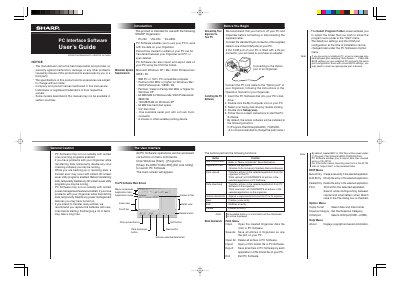
The document is a user's guide for the Sharp PC Interface Software, designed to work with specific Sharp Organizers including the EL-6990 and YO-ZQ-290 models. It details how to install the software on a compatible Windows system (XP, Me, 2000 Professional, or 98SE) using a serial port connection.
| Compatible Organizers | YO-290, ZQ-290, EL-6990 |
|---|---|
| Minimum RAM (Windows XP) | 128 MB |
| Maximum Entries (YO/ZQ-290) | Tel: 290; other application: 2048 per application |
| Maximum Entries (EL-6990) | Tel: 290; other application: 920 per application |
Yes, the software enables you to import data files created using a CE-491W.
All entries in the selected application on your PC will be overwritten and deleted by the transferred data.