
This manual introduces the basic functions and operating methods of the OZ-630/OZ-640/OZ-650 electronic organizer, including connecting to a computer, managing the phone book, scheduling, notes, calculator, alarm clock, games, world clock, etc.
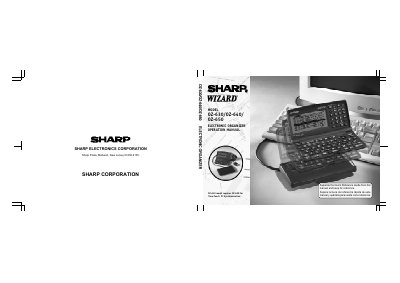
This document serves as the operation manual for the Sharp OZ-630, OZ-640, and OZ-650 Electronic Organizers. It provides instructions on getting started with the device, including installing batteries, initializing the unit, and setting up owner information. The guide details how to use various built-in applications such as Calendar, Schedule, To Do, Telephone, Memo, Expense, and Calculator.
| Display Type | 239 x 80 dot matrix liquid crystal display plus LCD flag |
|---|---|
| Memory Capacity (OZ-650) | 1MB (User area: Approx. 971Kbytes) |
| Clock Accuracy | Average variance per day, 1.5 seconds (at 25°C/77°F) |
| Calculator Digits | 12 |
The OZ-650 Organizer has an optical communication terminal (IrDA), while OZ-630 and OZ-640 do not.
The organizer requires two operating batteries.