
Sharp OZ-290H Electronic Organizer Operation Manual

This is an electronic organizer operation manual, which introduces the various functions of the organizer, including alarm clock, phone book, calendar, schedule, anniversary, to-do list, memo, expense and so on.
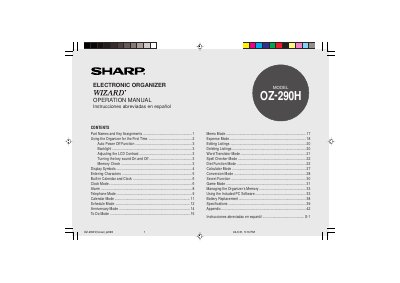

Sharp OZ-290H Electronic Organizer Operation Manual - cover page
Brand
Sharp
Category
Other Electronics
Document type
User Manual
Language
English
Pages
76
File format
PDF
File size
951 KB
Published
02 August, 2012
Updated
30 September, 2023
Model
OZ-290
MD5 checksum
1EEABB23097CB74C57375B0A4AF6F22E

About this manual

The document is the operation manual for the Sharp OZ-290H Electronic Organizer. It details the initial setup process, including removing battery insulation sheets and initializing the device via the RESET switch. The guide explains how to use various built-in functions such as the built-in calendar, clock, alarm, telephone mode, and word translator.

What's inside

  • Part Names and Key Assignments
  • Using the Organizer for the First Time
  • Auto Power Off Function
  • Display Symbols
  • Entering Characters
  • Built-in Calendar and Clock
  • Telephone Mode
  • Word Translator Mode
  • Battery Replacement
  • Specifications

Frequently asked questions

What happens if no keys are pressed for approximately 7 minutes?

The Organizer automatically turns the power off to save the batteries.

How many cities are available for the World Clock mode?

The Organizer has 43 cities according to the time zones.

Download PDF (951 KB)

More Sharp Manuals


View all Sharp manuals →