
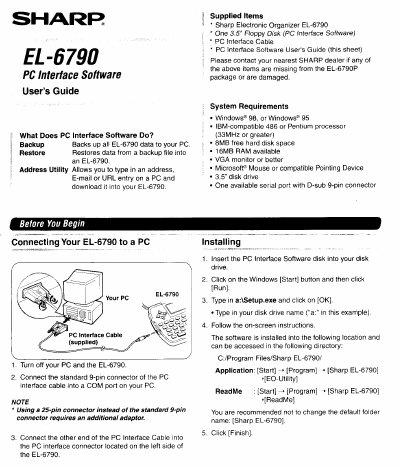
Sharp EL-6790 PC Interface Software User's Guide


Sharp EL-6790 PC Interface Software User's Guide - cover page
Brand
Sharp
Category
Other Computer Accessories
Document type
User Manual
Language
English
Pages
4
File format
PDF
File size
237 KB
Published
02 August, 2012
Updated
02 August, 2012
Model
EL-6790
MD5 checksum
F40096C05863BDA46CC248D67EA29E51

About this manual

This document is the User's Guide for the Sharp EL-6790 PC Interface Software. It details the supplied items, system requirements (Windows 95/98), and installation steps for the software on a PC. The guide also provides instructions on connecting the device via a serial port cable.

What's inside

  • What Does PC Interface Software Do
  • Supplied Items
  • System Requirements
  • Installing the Software
  • Setting the COM port
  • Making a Backup File
  • Restoring a Backup File
  • Address Utility
  • Entering an Address

Specifications

Operating SystemWindows 98, or Windows 95
Processor486 or Pentium processor (33MHz or greater)
RAM16MB
Hard Disk Space8MB
MonitorVGA monitor or better
InterfaceOne available serial port with D-sub 9-pin connector

Frequently asked questions

What is the default backup file name format?

The default name is determined according to the PC clock system in the format of YYYYMMDD.BKE.

What happens if I restore a backup file?

The "Restore" function replaces all the data in the EL-6790 with the backup file saved on a PC.

Download PDF (237 KB)

More Sharp Manuals


View all Sharp manuals →