
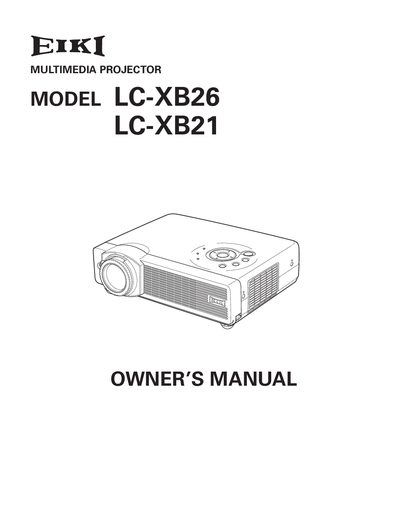
The EIKI LC-XB26 and LC-XB21 are compact multimedia projectors designed with advanced technology, featuring a matrix LCD display capable of reproducing 16.77 million colors. Key features include compatibility with various video and computer input signals (S-video, RGB, Component), digital zoom for computers, and a built-in blackboard function that can serve as a projection screen.
The operation menu is available in 12 languages including English, German, French, Italian, Spanish, Portuguese, Dutch, Swedish, Russian, Chinese, Korean, and Japanese.
Yes, the Blackboard+ function allows the board color to be limited to Green for use as a projection screen.
Do not stare directly into the lens as possible, because eye damage could result. Be especially careful that children do not stare directly into the beam.