
This document is an owner's instruction manual for the multimedia projector model LC-XG110, including instructions, safety precautions, and troubleshooting.
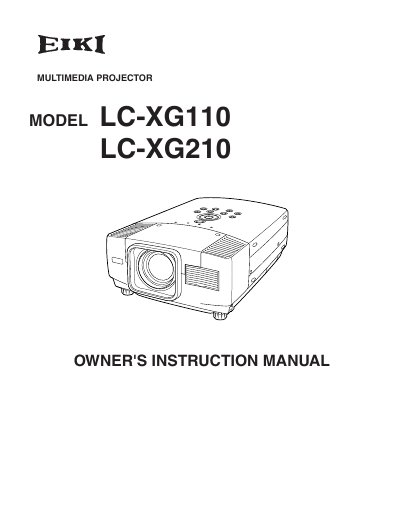
This document serves as the Owner's Instruction Manual for the EIKI LC-XG110 and LC-XG210 multimedia projectors. It covers essential safety precautions, setup procedures including power connection and positioning, and detailed instructions for connecting to various computer and video equipment. The guide explains how to operate the projector using the remote control unit and on-screen menu system to adjust picture settings such as zoom, focus, and keystone correction.
| Product Type | Multimedia Projector |
|---|---|
| Model Numbers | LC-XG110/LC-XG210 |
Do not stare directly into the lens as possible eye damage could result, and be especially careful that children do not stare directly into the beam.
The manual states that a minimum distance of 50cm must be maintained on the sides and rear of the projector.
You must press the LASER button for 1 minute to emit the laser beam from the Laser Light Window.
You should use a damp cloth for cleaning and must not use liquid or aerosol cleaners.