
Key facts
Start here
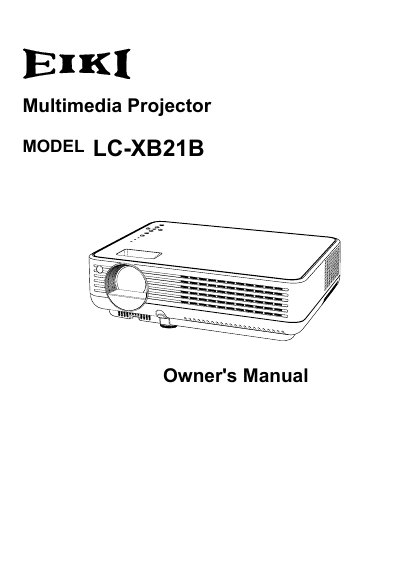
EIKI LC-XB21B Multimedia Projector Owner's Manual
The EIKI LC-XB21B is a compact multimedia projector designed with advanced technology for portability and ease of use. It features a matrix liquid crystal display (LCD) capable of displaying 16.77 million colors and supports various input signals including computers, component video, S-Video, and RGB scart. Key design elements include a switchable interface terminal, digital zoom for computer inputs, and a blackboard function that allows the projection surface to be used as a green screen.
Read onlineEIKI LC-XB21 specifications
| Display Technology | matrix liquid crystal display (LCD) |
|---|---|
| Color Palette | 16.77 million colors |
| Menu Languages | 16 languages |
| Digital Zoom (Computer) | approx. 16 times of the screen size |
All EIKI LC-XB21 documents by type
Day-to-day operation, settings and troubleshooting. Start here if the product is already set up.
Questions answered in these manuals
What languages are available for the menu display?
The operation menu is available in 12 languages including English, German, French, Italian, Spanish, Portuguese, Dutch, Swedish, Russian, Chinese, Korean, and Japanese.
From: EIKI LC-XB26/LC-XB21 Multimedia Projector Owner's Manual
Can the projector be used as a blackboard?
Yes, the Blackboard+ function allows the board color to be limited to Green for use as a projection screen.
From: EIKI LC-XB26/LC-XB21 Multimedia Projector Owner's Manual
Can I unplug the projector immediately after turning it off?
Yes, the AC power cord can be unplugged immediately after turning off the projector without waiting for the cooling fan rotation.
What is the Blackboard Function?
It allows the projection screen to be used as a blackboard, though the board color is limited to Green.